
Calendar, without the typing
Dates, times, and places become events you can confirm — then sync with your device calendar.
Screenshots, messages, and quick notes become calendar events, tasks, and lists — ready for you to confirm.
iOS · Sign in with Apple or Google
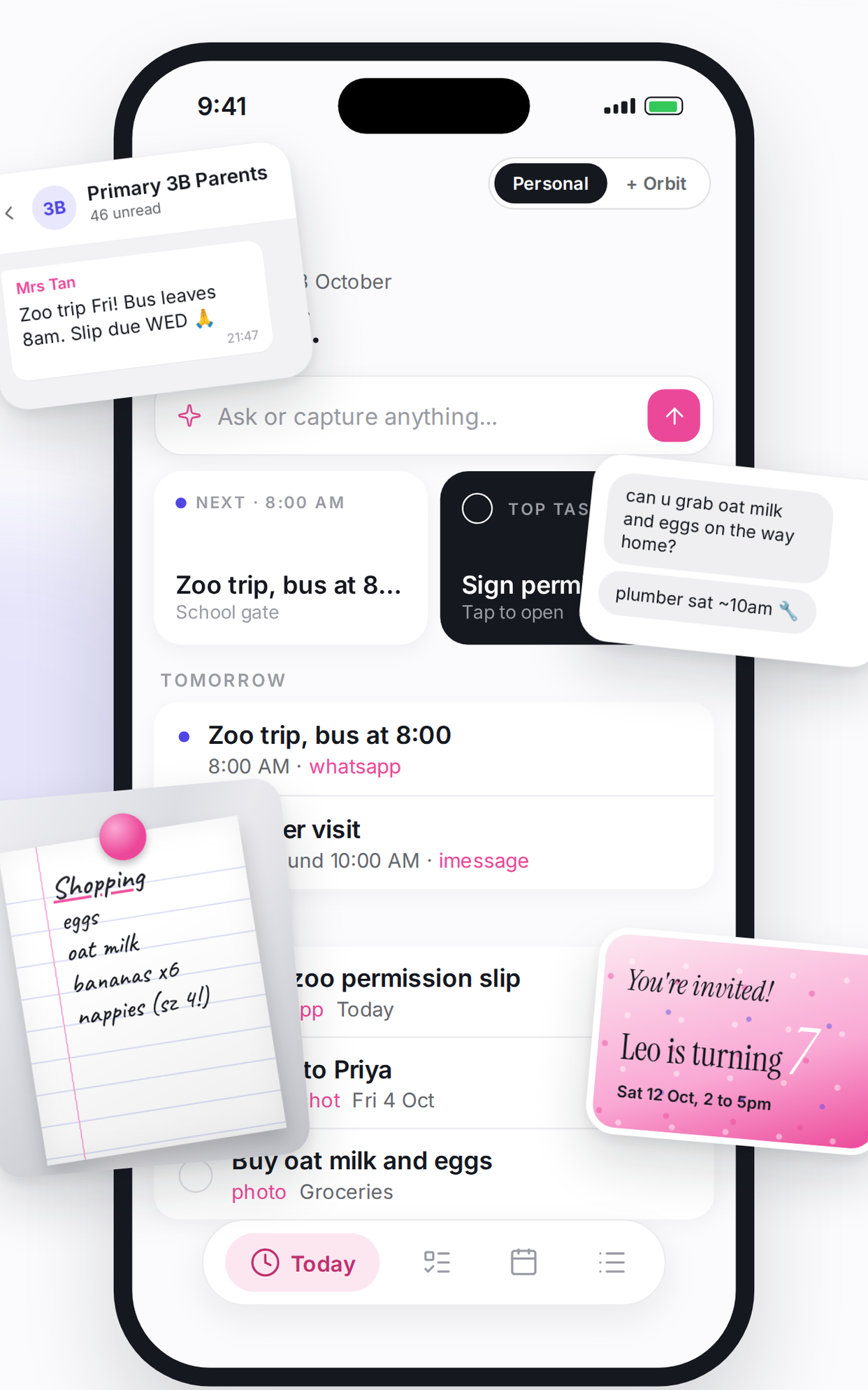
Forward a message, snap a screenshot, or type a thought. Missy reads it, proposes what to save, and never writes silently.
Dates, times, and places become events you can confirm — then sync with your device calendar.
Follow-ups and reminders land in your task list with due dates, so nothing slips past today.
Groceries, packing, errands — Missy builds checklists you can check off as you go.
A cool, editorial interface designed for clarity: see what’s next, finish what matters, and keep Orbit for shared life when you’re ready.
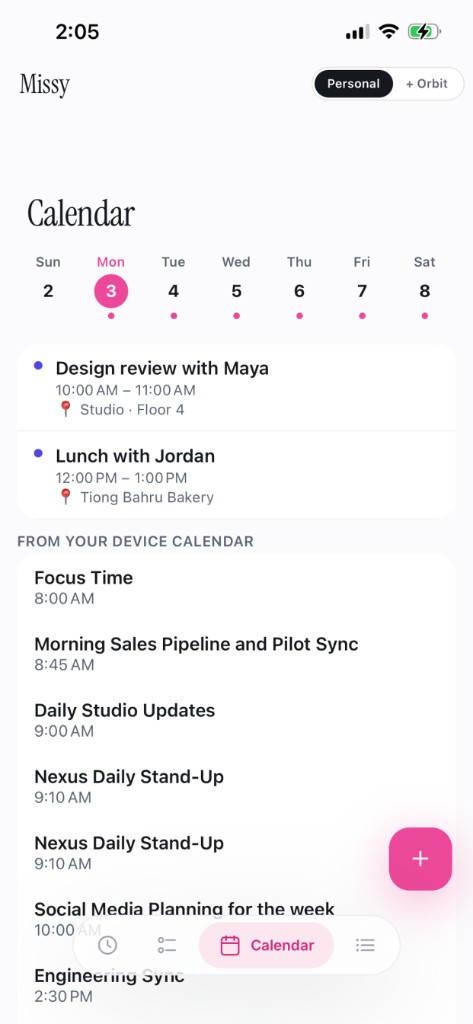
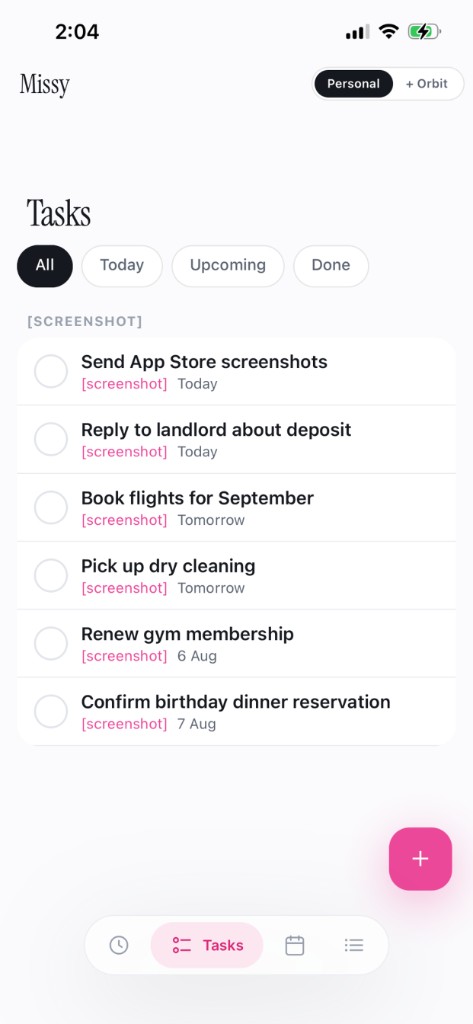
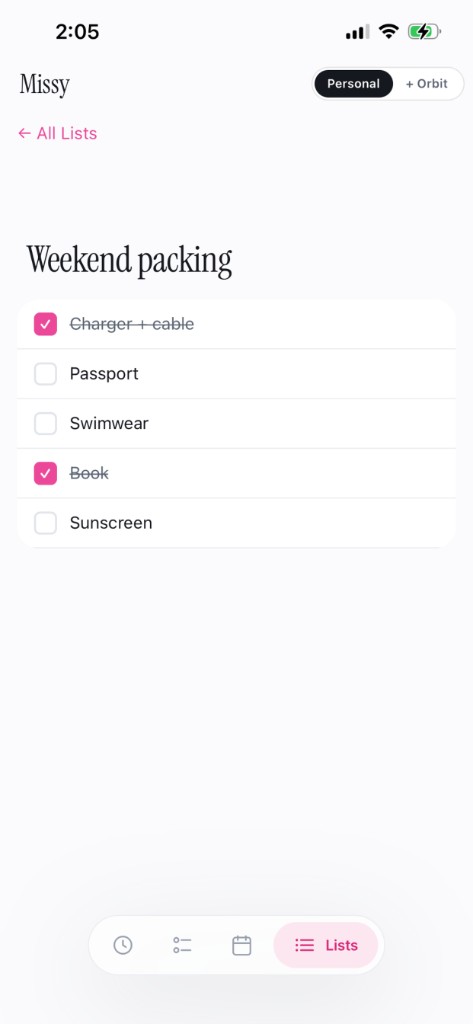
Share a screenshot, type a note, or use one-tap capture from Shortcuts — Missy picks it up without derailing your day.
Review what Missy found. Edit anything low-confidence. Nothing is saved until you say yes.
Events, tasks, and lists live together — and Orbit keeps household plans in sync when you invite someone in.
Download Missy, sign in once, and start capturing the things that usually disappear into screenshots and chat threads.